Read Music – Get Faster!
You know the notes, but it still takes too long to recognize them? Are you counting lines and spaces or mixing up pitches?
This app helps you learn to read notes confidently and fluently, so you can quickly find or name them on your instrument without detours.
Train your reaction speed, your understanding of notation, and the connection between seeing and playing. Measure your progress and collect stars. It is effective and fun at the same time.
- Play with your instrument
- Name notes in a quiz
- 60 seconds per round or endless mode
- 4 preset difficulty levels
- Create your own exercises
- Share your exercises
- Set the displayed note value
- Use the Note Finder as a practice companion
- Create your own instruments

How it works
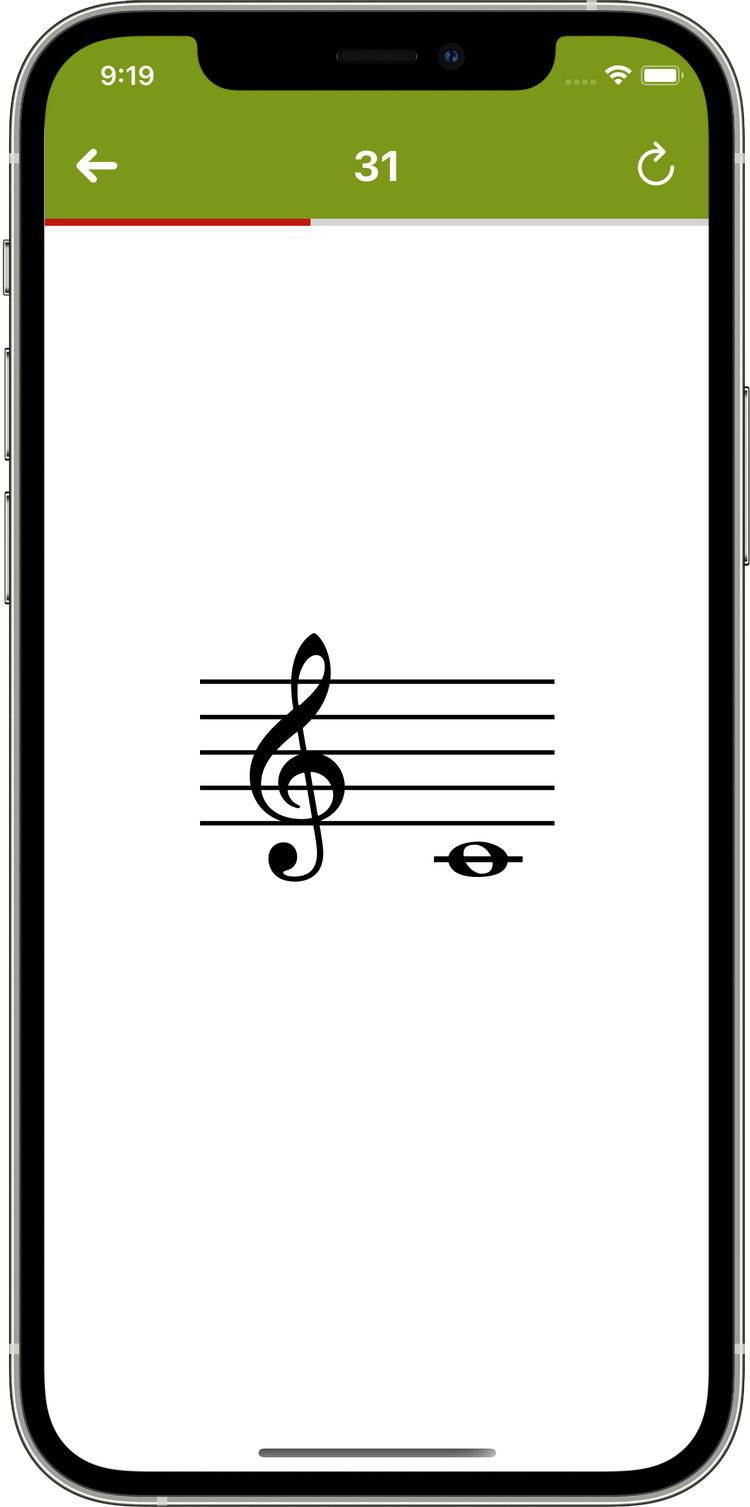
The app shows you a note. As soon as you play it correctly, the next one appears. You have 60 seconds, and the number of correctly played notes is your score.
Stay motivated: there is no penalty for wrong notes. But you only reach a high score by playing many correct notes within those 60 seconds. This trains fast note recognition and automates the connection between notation and fingering. Can you reach 3 stars?
Who is this app for?
- You already have basic note-reading skills and some familiarity with your instrument
- You can tune your instrument on your own, or have someone who can help you
- Ideal for music lessons, self-study, and daily practice
Note Finder
Your helper during practice: the Note Finder detects the note you are currently playing and can also show the note name and the accuracy of your intonation. Perfect for checking yourself, practicing independently, and improving your pitch accuracy.
Read more on the blog: Read Music – Get Faster! 7 (Update)
These instruments are currently supported:
- piano
- guitar/electric guitar, bass guitar
- violin, viola, cello, double bass
- flute, oboe, clarinet in Bb and A, bassoon
- soprano recorder
- soprano, alto, tenor and baritone saxophone
- trumpet in Bb, A and C
- tenor and bass trombone
More instruments and matching exercises can be added and shared manually. That way, even instruments I know less about can become part of the app with your help. I would also be very happy to receive your ideas by email.
Blog articles
You can find more information about the app and its development in these blog posts:
- More about the idea
- Read Music – Get Faster! 7 (Update)
- Read Music – Get Faster! 5 (Update)
- Read Music – Get Faster! 4 (Update)
Frequently asked questions
Is the app good for beginners who want to learn note reading?
The app is not a music-theory course. It’s a trainer that helps you recognize notes faster and translate them to your instrument more quickly.
If you’re a complete beginner, it works best alongside lessons or with basic notation knowledge (note names, staff positions, accidentals).
Is there an Android version?
No. There’s currently no Android version and none planned, so I can focus on a high-quality iOS/iPadOS app.
Do I need an internet connection to practice?
No. You don’t need an internet connection while practicing.
You’ll of course need internet to download the app and get updates from the App Store.
Is microphone audio recorded, stored, or uploaded?
No. Audio is not recorded, stored, or uploaded.
Pitch detection happens locally on your device.
Can I practice without the microphone (e.g., with a MIDI keyboard)?
Yes: You can connect a keyboard or digital piano via USB (Apple Camera Connection Kit) or Bluetooth.
For acoustic instruments, the microphone is the usual input so the app can detect whether you played the correct note. There is intentionally no on-screen keyboard.
Can I create and share my own instruments and exercises?
Yes. You can create and customize instruments and exercises and share them with friends or students—useful for lessons and personalized practice.
Which devices are supported?
The app supports iPhone and iPad running iOS/iPadOS 13.1 or later.
How is the score calculated?
Default mode (60 seconds): Your score is the number of correctly played notes.
Endless mode: Correct notes are converted into an average per minute to keep results comparable (e.g., in teaching).
What do the stars and the colored bars mean after a round?
The stars are a quick rating of your performance: 3 stars means you did really well in that round.
The colored bars behind the notes show your reaction speed: green means you played the note very quickly after it appeared, yellow a bit too slowly, and red indicates you should practice that note more.
Red doesn’t necessarily mean the note was played incorrectly—it can also mean you simply took too much time.
Does the app show mistakes or corrections?
No. The game continues as soon as you play the correct note. In practice, this is often less distracting and keeps the focus on speed and confidence in note reading.
How much does the app cost? Are there any in-app purchases?
The app is a one-time purchase on the App Store. There are no in-app purchases.
The most accurate current price is always shown in the App Store listing.
Support: How can I report a problem or send feedback?
Email me with details (device, iOS version, instrument, steps to reproduce): webmaster@herrdertoene.de.
No matching questions found.